AI assistants
Use HosPet in your AI assistant
Add HosPet to Claude, ChatGPT or another assistant that supports connectors. Then ask where you can stay with your dog or cat, and the answer comes from HosPet: pet policy, fees, size limits, a pet score from guests who travelled with a pet, and a link to the stay. Free, and no HosPet account needed.
The HosPet connector address
https://hospet.eu/mcpWhat you see
In assistants that show interactive cards, HosPet answers with cards: the photo, whether we checked the pet policy on the property's official website, the pet facts, a price hint and a button to book on HosPet. Other assistants get the same facts as text, with the links.
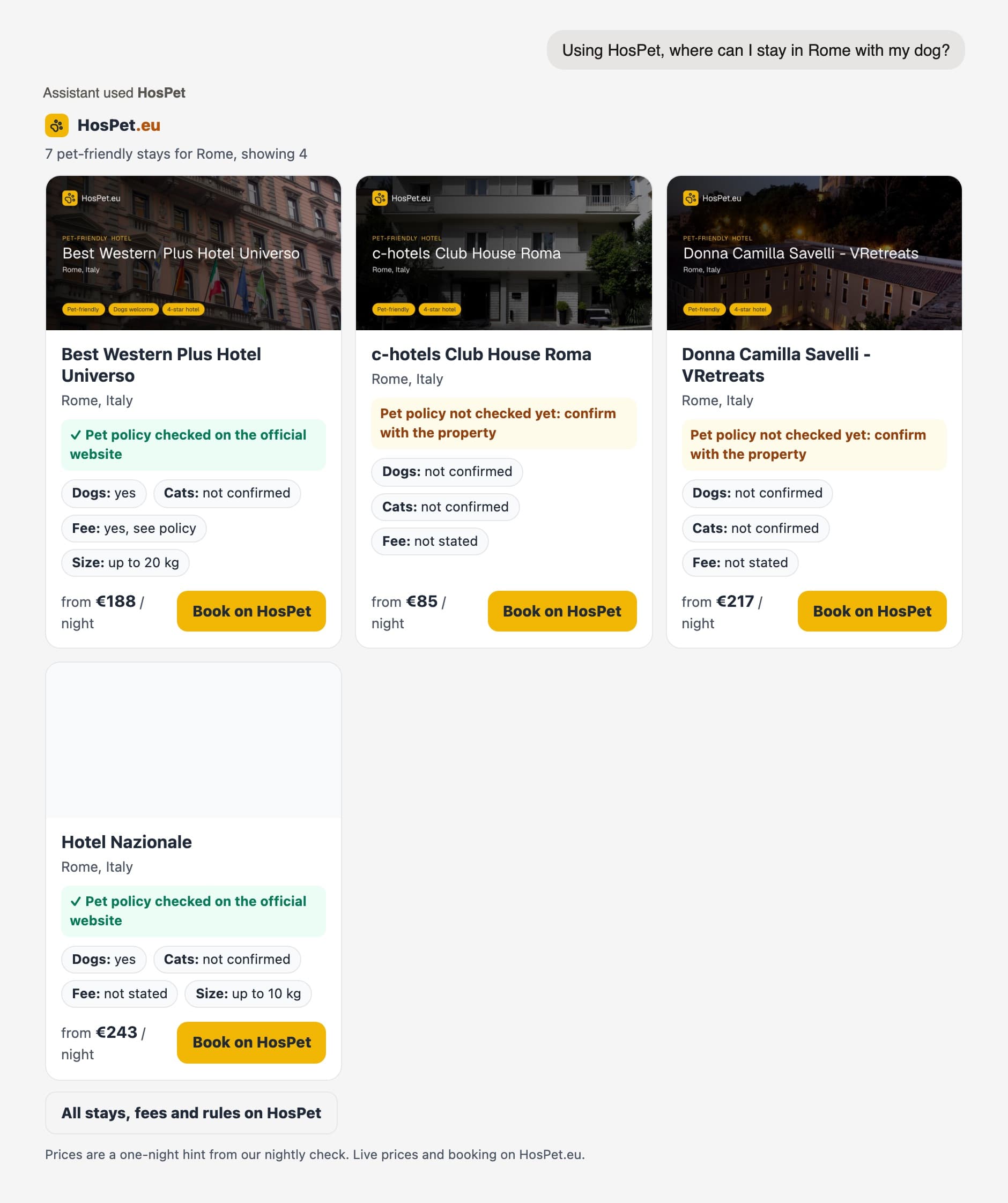
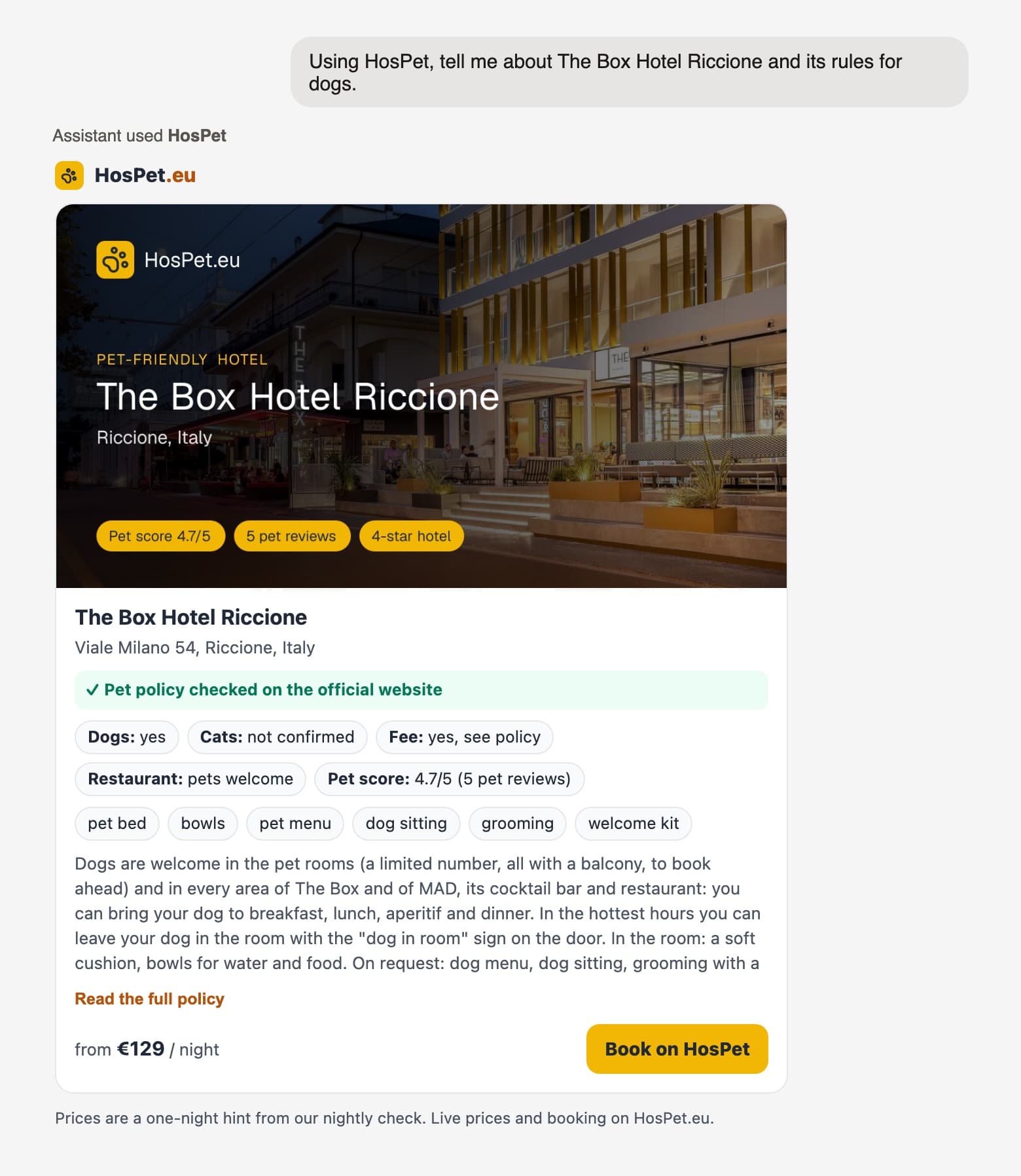
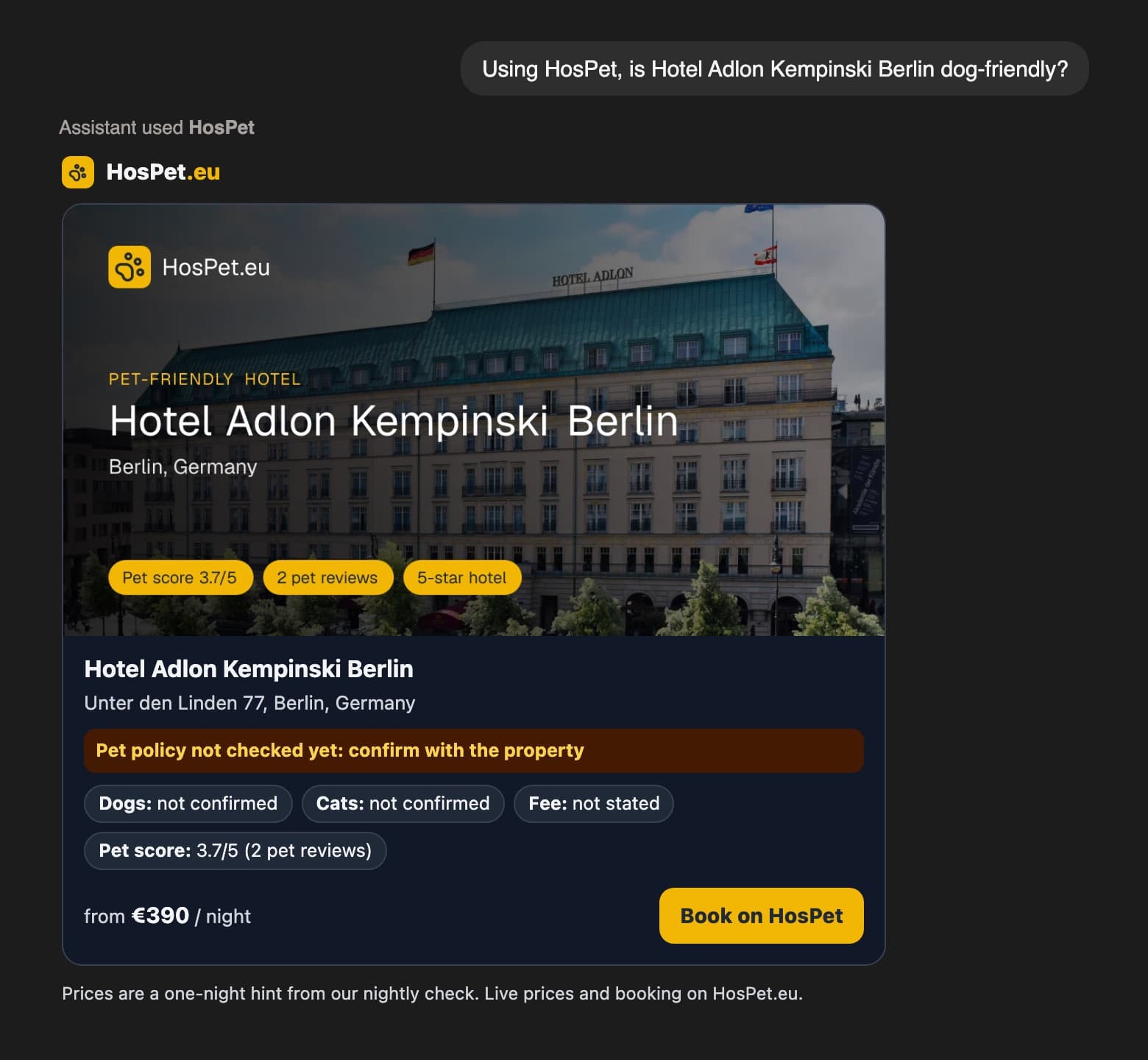
Pictures made from real HosPet answers, shown in a plain frame. Each assistant draws its own frame around the card.
Add HosPet to Claude
On claude.ai and the Claude desktop app. The free plan allows one custom connector.
- 1Open Settings, then Connectors, and choose Add custom connector.
- 2Name it HosPet and paste the address
https://hospet.eu/mcp. Leave the advanced settings empty: no login is needed. - 3Start a new chat. Open the + menu, then Connectors, and check that HosPet is switched on.
- 4Ask your question starting with "Using HosPet". If Claude asks for permission to use the tool, allow it.
Add HosPet to ChatGPT
Custom connectors use ChatGPT's Developer mode: on the web, with a Plus, Pro, Business, Enterprise or Education account. OpenAI moves these settings from time to time.
- 1Open Settings, Security and login, and turn on Developer mode.
- 2Go to Plugins (or Apps), press + and create a developer-mode app: paste
https://hospet.eu/mcpand choose No Authentication. - 3In a chat, open the + menu, pick Developer mode and select HosPet.
Other assistants
Any assistant or tool that connects to remote MCP servers over HTTP can use HosPet: add a server with the address https://hospet.eu/mcp and no authentication.
Try these
Using HosPet, I'm planning a weekend in Riccione with my dachshund. Where can we stay, and what are the rules for dogs?Using HosPet, show me dog-friendly hotels in Paris and tell me which ones have their pet policy checked.Using HosPet, which hotels in Italy confirm that cats are welcome?Using HosPet, which cities in Germany do you cover?
The assistant answers in your language. The HosPet cards are in English.
Good to know
- HosPet only reads its own public listings. It cannot book, pay or change anything for you: the button takes you to the stay's page on HosPet, where you book.
- When we have not checked a property's pet policy on its official website yet, the answer says so. Confirm the rules with the property before you travel.
- Prices are the lowest one-night rate seen by our nightly check: a hint, not a quote. Live prices are on HosPet.
- No login and no personal data. We count anonymous calls (which tool, which app) to see how the connector is used. See the privacy policy.
For developers
- Endpoint:
https://hospet.eu/mcp, Streamable HTTP, stateless (JSON responses, no session, no SSE). No authentication. - Tools (read-only):
search_pet_friendly_stays,get_stay_pet_policy,list_destinations. - UI: MCP Apps resource
ui://hospet/stays.html(text/html;profile=mcp-app) for the two stay tools; text fallback for other hosts. - Limits: about 30 tool calls per minute per caller, with a shared ceiling. Please be gentle.